Lesson 5 of 7
Simulate
With a design wired and configured, you can run it through Block Designer's simulation engine — no hardware required. This is where you confirm the logic behaves before committing it to a board.
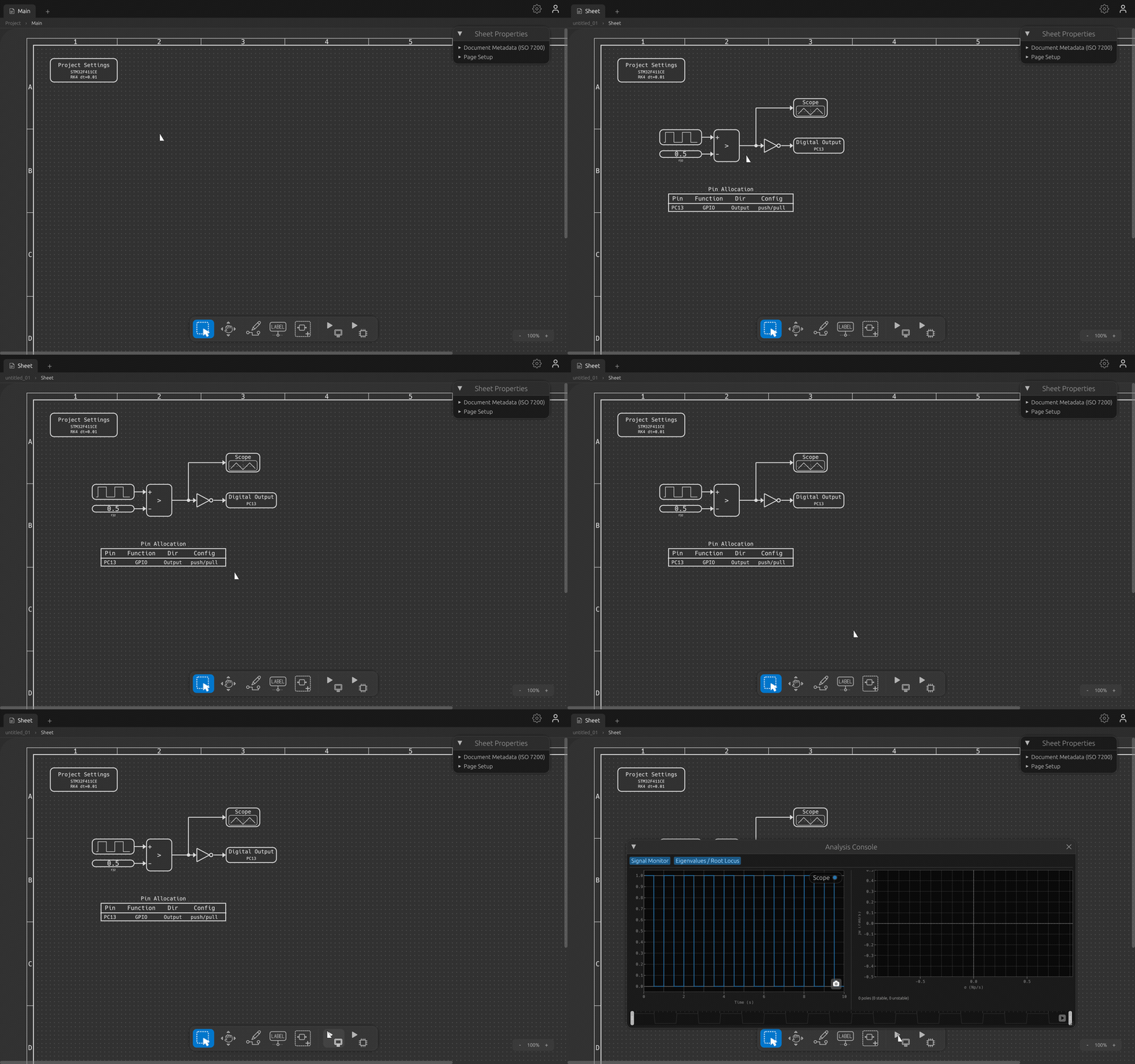
Press Simulate
Click the Simulate button in the toolbar. The engine builds an execution order from your wiring, resolves dependencies, and steps the model through time with a real DAE solver — the same numerics you'd expect from a proper control-system tool, not a toy approximation.
What you're watching
The clip above shows the workflow: an empty canvas, a design loading in, the pointer gliding to the Simulate button, the click, and the results appearing. The solver itself finishes in a fraction of a second — the payoff is the captured signal data, which you'll read on a scope next.
Tip: simulation respects each block's configured update rate, so multi-rate designs (a fast control loop alongside a slow supervisor) run at the right relative speeds.
The run captured every signal in the design. Let's open the scope and look at them.